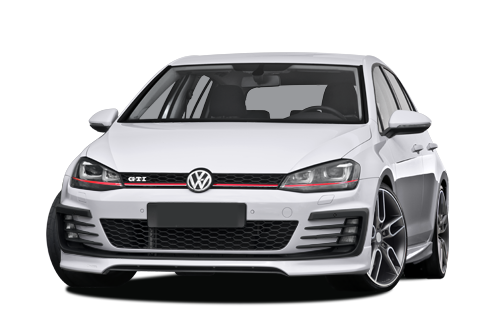
Postado November 18, 20232 yr Meus Queridos , por favor ajude me a resolver esse BO , fiquei uns dois anos sem golf... resentimente comprei o atual. acontece que ele veio com aquela informação no painel>> consumo desde da partida mas na verdade eu quero mudar para, consumo desde do abastecimento e não me lembro mais como fazer. alguem pode me dar uma dica?? pois já tentei até suá e não conseguir .... e tem como pois já fiz no meu golf 15/15 diversas vezes , ,mas não me lembro mais.
Postado November 24, 20232 yr É só apertar "OK" que o computador de bordo alterna entre as medições "desde a partida", "desde o abastecimento" e "longo prazo". Isso também funciona nas informações de velocidade média e distância percorrida.
Postado December 15, 20232 yr Autor Olá amigo, obrigado pela ajuda, mas coseguir resolver uns dois dias antes da sua ajuda, conseguir de outra forma.

Crie uma conta ou entre para comentar