Ir para conteúdo
View in the app

A better way to browse. Learn more.

MK7 Clube

A full-screen app on your home screen with push notifications, badges and more.

To install this app on iOS and iPadOS
  1. Tap the Share icon in Safari
  2. Scroll the menu and tap Add to Home Screen.
  3. Tap Add in the top-right corner.
To install this app on Android
  1. Tap the 3-dot menu (⋮) in the top-right corner of the browser.
  2. Tap Add to Home screen or Install app.
  3. Confirm by tapping Install.

Multimídia Android

Featured Replies

Postado

Salve galera.

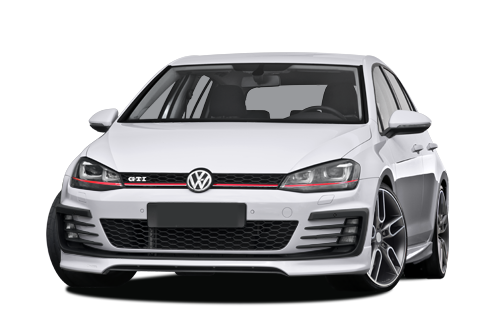
Tenho um Golf 7.5 que veio com a MIB 2.5 e tem a câmera de ré embutida no logo VW.

Recentemente instalei uma multimídia Android Navpro (Caska) e a única coisa que não funciona é a câmera de ré, na tela aparece as linhas de guia mas fica sem a imagem da câmera.

Alguém sabe o esquema de como fazer funcionar essa câmera?
Crie uma conta ou entre para comentar

Account

Navigation

Pesquisar

Pesquisar

Configure browser push notifications

Chrome (Android)
  1. Tap the lock icon next to the address bar.
  2. Tap Permissions → Notifications.
  3. Adjust your preference.
Chrome (Desktop)
  1. Click the padlock icon in the address bar.
  2. Select Site settings.
  3. Find Notifications and adjust your preference.