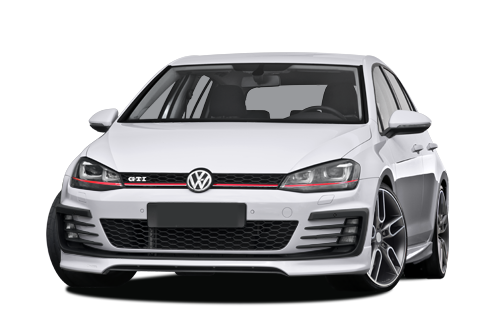
Postado October 5, 201610 yr Olá amigos, possuo um gti mk7 com pacote premium. As luzes de cortesia das portas vem sem lâmpadas. Comprei um jogo e instalei utilizando o sinal da fechadura. Agora quando abro a porta do carro as luzes ascendem mas o volante fica tremendo por um tempo. E como se algo estivesse em curto. Alguém já fez essa instalação ?
Postado October 5, 201610 yr Olá, @Cgionco. Há algum tempo, postei um link para um tutorial de como instalar estas luzes. Dê uma olhada: https://www.dropbox.com/s/7ec7td257b0x61l/Front Door Warning Lights %26 Power Folding Mirror Install - Golf R '16 MK7.pdf?dl=0 Veja se não pulou alguma etapa importante ou fez alguma conexão errada. Abraço!
Postado October 15, 201610 yr Autor Nas portas traseiras do gti mk7 seria possivelninstalar também ? Verifiquei que a luz dianteira não encaixa na porta traseira.
Postado April 26, 20179 yr Em 2016-10-5 at 7:32 PM, RicW disse: Olá, @Cgionco. Há algum tempo, postei um link para um tutorial de como instalar estas luzes. Dê uma olhada: https://www.dropbox.com/s/7ec7td257b0x61l/Front Door Warning Lights %26 Power Folding Mirror Install - Golf R '16 MK7.pdf?dl=0 Veja se não pulou alguma etapa importante ou fez alguma conexão errada. Abraço! Obrigado pelo Post! Acabei de instalar seguindo as orientações, tudo perfeitamente explicado! fico Top!

Crie uma conta ou entre para comentar